New in the April release
We’ve continued to build on Cloud POS with updates that give you more freedom in how you manage products, payments and purchasing. The latest release brings new tools that make day-to-day tasks easier and give you a clearer view of what’s happening in your business.
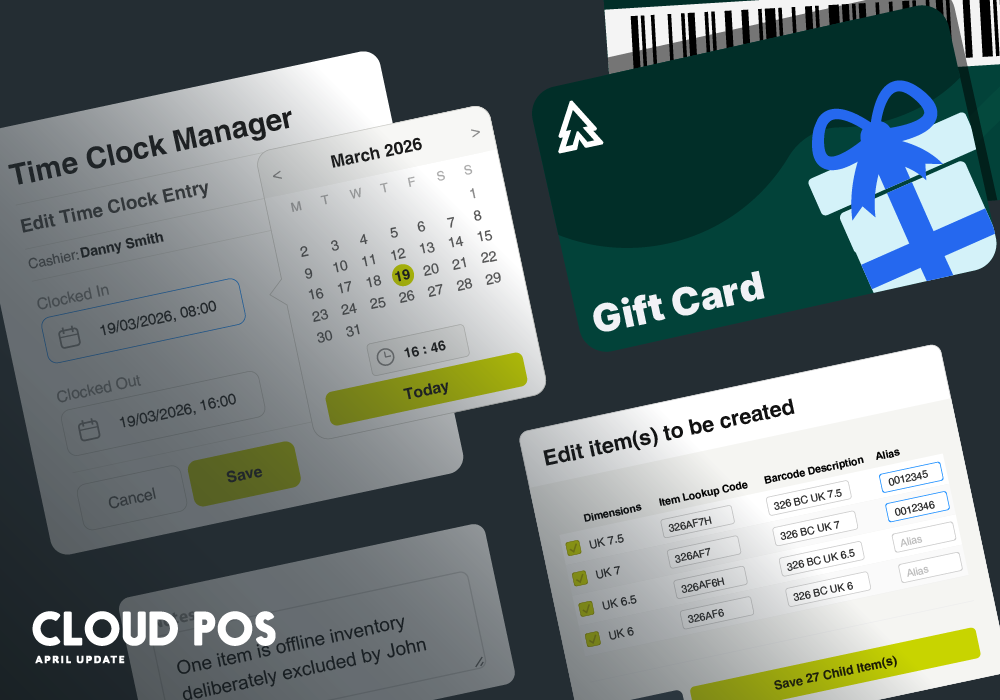
Sell branded gift cards
You will soon be able to set voucher codes manually at the point of sale, rather than having them generated automatically.
That means you can sell pre-printed branded cards with barcodes. Simply scan the barcode when it’s sold to add it to the system, then scan it again when a customer redeems it.

Add notes to stock take lines
You’ll also be able to add a note to individual lines during the calculate and commit stage of a stock take.
It’s useful for recording who counted a line, flagging a discrepancy that’s been checked, or noting why something was excluded. Notes can also be included when printing the stock take report.

Manage time clock entries in Back Office
Administrators will be able to view and edit time clock entries directly in Back Office.
Current and historic records are visible in one place, and individual entries can be corrected without raising a support query.

Set aliases when building matrix items
We’re adding the ability to add aliases to child items. This can be done directly within the generate matrix panel at the point of creation.
Previously this required a separate visit to each child item after the matrix had been built. For anyone working through a large range, it’s a meaningful saving in time and clicks.

The new Workshop Module
Several updates have been made following feedback from our customers.
- You’ll be able to filter the Kanban board by “Not Checked In,” giving a clearer view of jobs that are booked but not yet arrived in the workshop.
- Warranty status will be visible on job cards in both the Kanban board and the Calendar, without needing to open the job.
- Service item serial numbers will appear in the service item dropdown, making it easier to identify the right bike at check-in.
- The job completion flow is being tidied up, with fewer clicks required to close a job once the work is done.
Other improvements
- A local stock filter is being added to the Search and Select Items dropdown, so you can narrow results to items currently in stock when you don’t have a barcode to hand.
- The stock take calculate page is getting faster, particularly for larger counts.
- Two-factor authentication will work fully with password managers including Zoho Vault.
- Department and Category grids will be able to filter categories automatically when a department filter is applied.
- Customer search in the POS will be able to handle partial names. Search “Will Smith” and you’ll find “William Smith” too.