New in the December release
A smoother experience for customers and staff
We’ve continued to build on Cloud POS with updates that give you more freedom in how you manage products, payments and purchasing. The latest release brings new tools that make day-to-day tasks easier and give you a clearer view of what’s happening in your business.
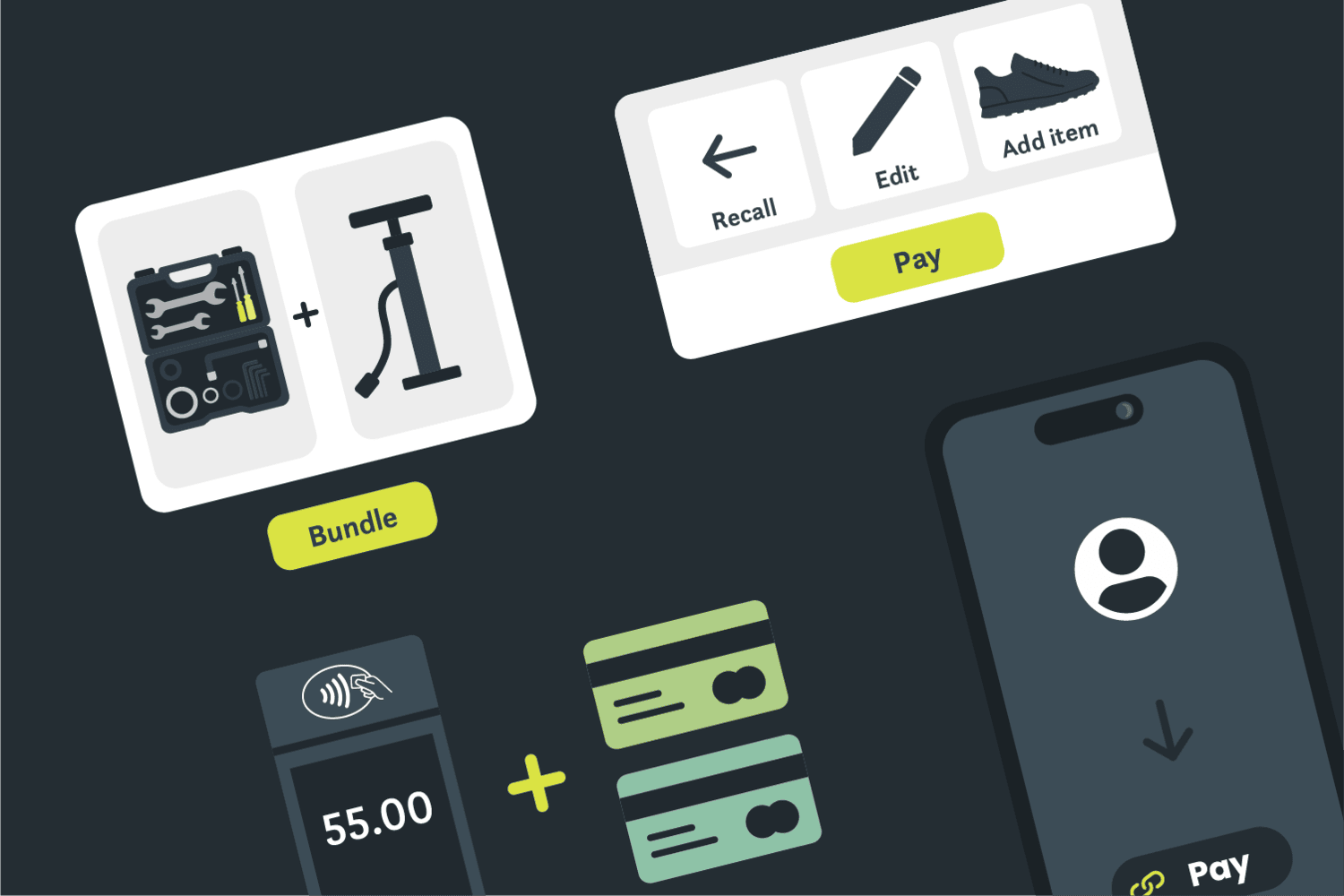
Create and sell product bundles with Kit Items
A new Kit Items feature lets you offer bundled products both in-store and online. You can set it up in the way that works best for your stock:
- Use fixed stock if you prefer to build and break bundles as needed
- Or use dynamic stock to automatically show how many bundles you can create based on what you have on hand

It’s a simple way to help customers buy a full set while keeping stock control tidy.
Let customers split payments across multiple cards
Customers are now able to pay across several cards in a single transaction when using integrated CitrusPay terminals.
Everything is handled in one step with no extra admin, giving customers a smooth checkout and keeping things straightforward for your team.

Fully automatic Payment Links
Payments from Payment Links are now auto-assign as credit on customer accounts, cutting down on manual work.
You’re able to choose which register these payments should post to, giving you more control.
Switch it on when it fits your workflow and benefit from faster processing, fewer mistakes and a clearer payment trail.

Process multiple orders in one go

If a customer has several workshop jobs or special orders, you can handle everything together.
Recall multiple orders for the same customer, make any edits, add new items and take payment in one transaction.
It’s ideal for busy times when customers are collecting several things at once and helps you keep service quick and consistent.
Other upcoming improvements
Here’s a look at the additional updates in development for Cloud POS:
- Smarter item insights
View sales for the past 30, 90 or 365 days directly from the item card.
This gives you clearer insight into how products perform over time, helping you quickly spot seasonal shifts and make stronger buying decisions without digging into separate reports.


- Purchase orders
Add due dates and notes per line for clearer communication and tracking.
This adds more accuracy to your purchasing workflow, helping you track expected deliveries and communicate supplier details in a way that keeps your team aligned.

- Purchase Order Supplier Choice
Choose to generate purchase orders based on the primary supplier or the supplier with the best cost. This makes it easier to buy smarter by letting Cloud POS automatically select the most cost-effective option, so you can protect your margins while keeping shelves stocked.
- Product descriptions
Your descriptions will stay exactly as you wrote them with no automated SIM updates.
You can stay in full control of how products appear to customers, making sure your tone, detail and brand consistency remain intact.
- Serial number tracking
Serial numbers are now automatically assigned to customer orders for better traceability.
This creates a complete trail from purchase to sale, helping you resolve queries faster and improving after-sales support.
- Stock transfer control
Restrict transfers by brand or supplier when needed.
This helps reduce the risk of items being transferred in ways that don’t suit your structure.

- CitrusPay chargebacks
Review and manage chargebacks directly in Back Office. You now have a simpler way to stay on top of payment disputes, with everything handled in one place so you can respond quickly and keep financial admin organised.
- Mandatory batch closure
Require daily batch closure for cleaner reporting. This ensures every day ends in a consistent state, giving you more accurate reports and making reconciliations easier for your team.
- Clearer sale prices in POS
See both sale and MSRP pricing at a glance. Your team are now able to see exactly what items are being sold for, with clearer visibility of discounts and promotions during checkout.

- Flexible PO label printing
Print labels by item code or by order added, depending on how you prefer to work. This gives you a smoother goods-in process, allowing you to choose the order that best matches your workflow and keeps your back-office tasks organised.