Supplier order confirmations have a habit of turning a simple job into a fiddly one. A PDF here, an image there and before long your team is retyping lines, checking costs and spending time on admin that could be better spent elsewhere.
That’s exactly where AI-powered Smart Import for Purchase Orders comes in.
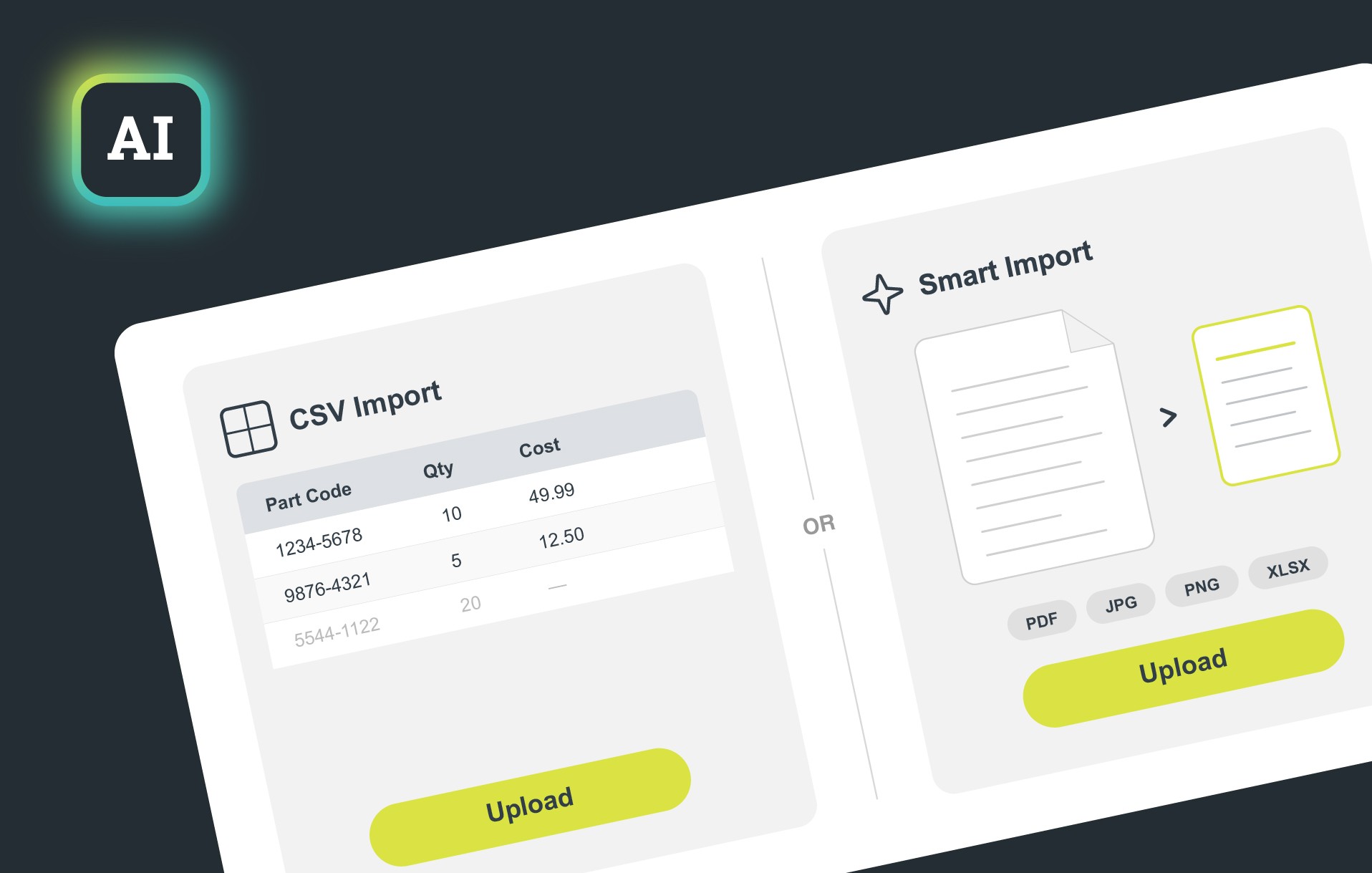
This is the first step in how we are using AI inside Cloud POS to make everyday jobs quicker and easier for retailers. Instead of relying on supplier documents being in one strict format, you can now upload common file types from the existing Purchase Order Import page in Back Office, including PDF, JPG, JPEG, PNG, HEIC and XLSX.
Cloud POS then uses AI to read the document and pull out the key details needed to build your purchase order lines, including supplier part code, quantity and cost.
The value is simple. Less time typing things in. Less back and forth with supplier paperwork. And a faster route from order confirmation to a usable purchase order.
There’s also a built-in sense check along the way. Cloud POS looks at the subtotal on the document and compares it with the imported lines. If something does not look right, your team gets a warning so they can review it before carrying on.
For busy retail teams, that means less admin, fewer avoidable mistakes.

Take a look at the new Smart Import for Purchase Orders in the Back Office